Everyone is asking us, "how do I cook with what I have?" I get it. We're looking at what's in our pantries, our fridges, our freezers and trying to figure out recipes. We're wondering what to do with that half-used jar of lemon preserves, a can of beans, and some coconut milk. (Though hopefully not together!) Well look no further, because I've tracked down 6 excellent recipe apps that let you search by ingredient.
These recipe apps will help you use up leftovers, dig deep into your pantry to make room for incoming groceries, and even optimize your shopping trips so you can limit your expenses and trips out of the house.
Related: Quarantine pantry prep tips from a mom who's trained her whole life for this: What you really need
6 recipe apps that let you search by ingredient
AllRecipes Dinner Spinner app
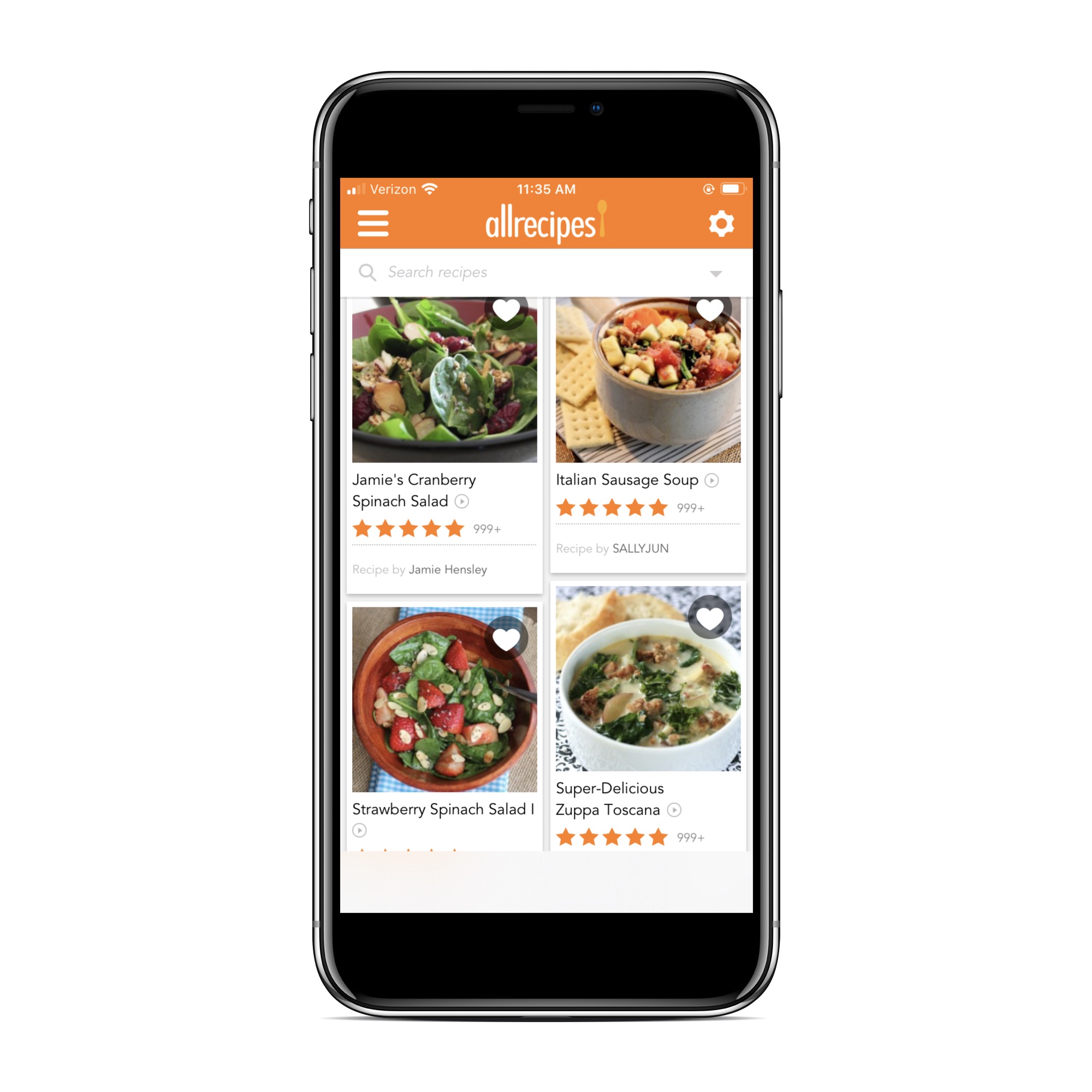
This website's been around for ages, and the AllRecipes app is a great mobile addition that our own readers love, plus it lets you search for recipes by ingredients you have on hand. The recipes are crowdsourced, so while they may not be as consistent as a whole as respected food blogs or magazines where dishes are created by recipe developers, you can still find plenty of real gems. If you want to weed out the duds, just look for recipes with lots of positive reviews.
Epicurious app
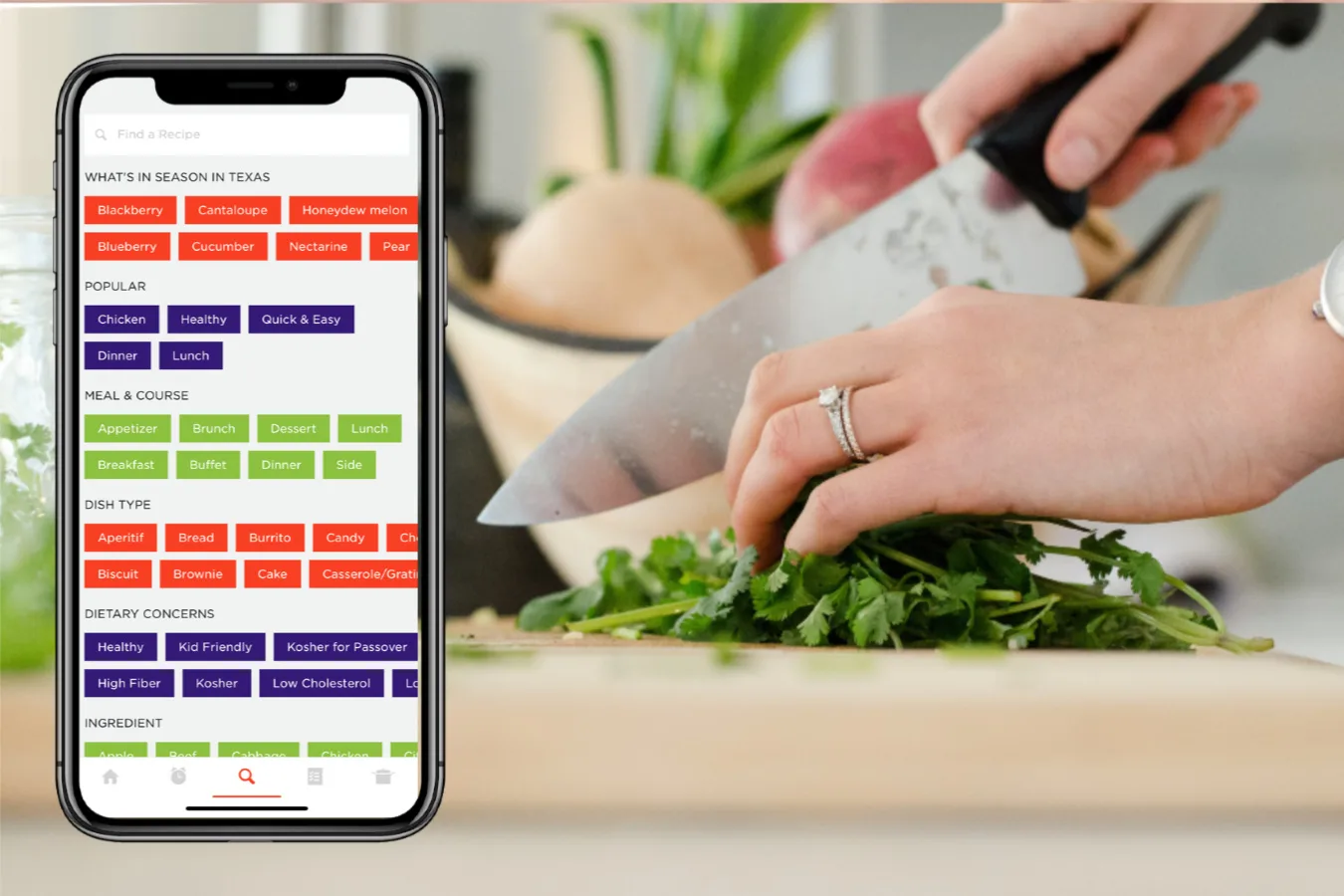
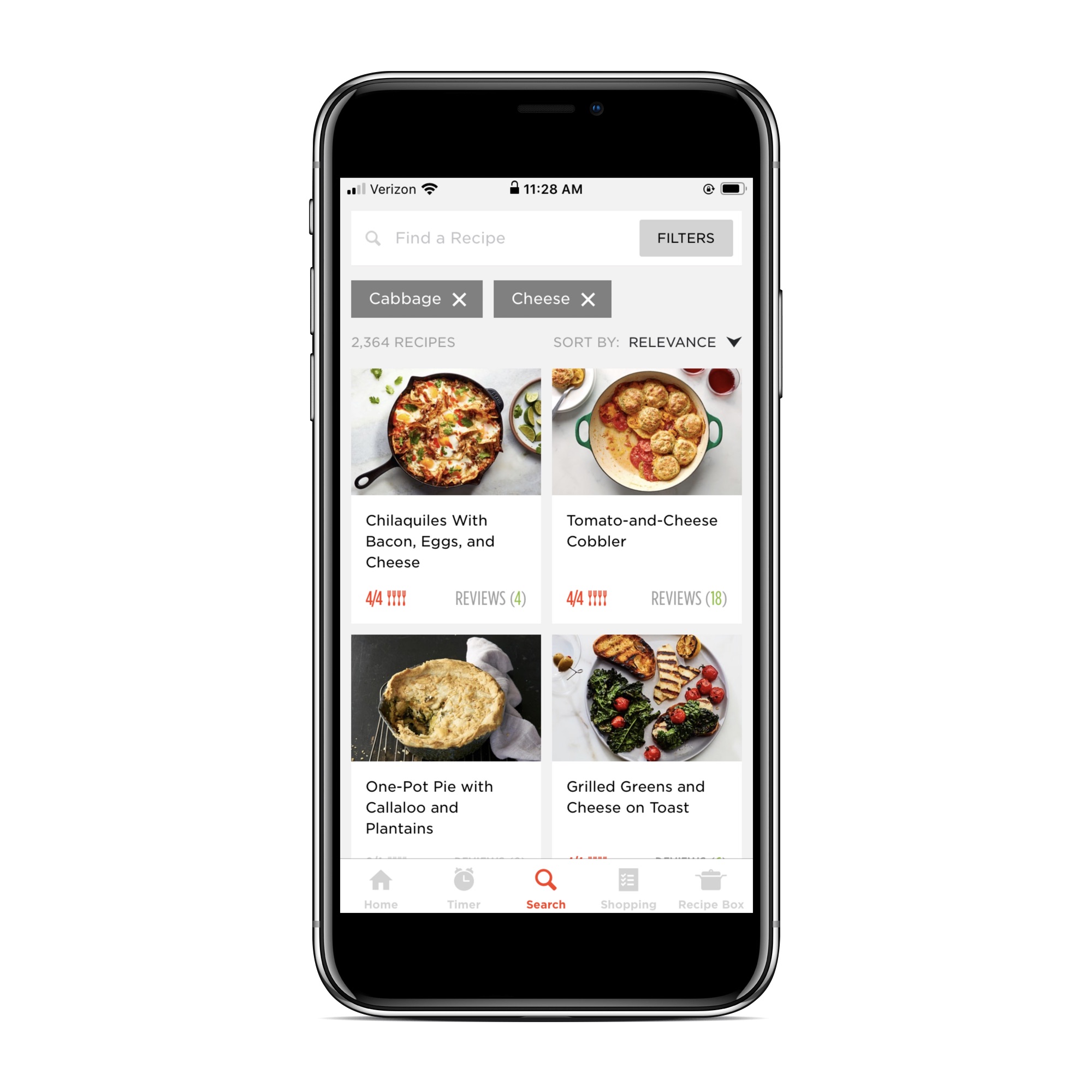
Another proven favorite, the Epicurious app is a recipe that lets you search by ingredient for a trove of professionally developed recipes. You can also filter results by topics like dietary concerns, type of dish, cuisine, holiday (for all those big celebrations coming up /sarcasm), and what's in season. Just click "advanced search" under the main search bar and you'll be amazed by the capabilities (as shown in the top photo). Epicurious has also got some terrific curated editorial round-ups, if you're looking for say, bean recipes or entrees that can be created with basic pantry staples. As a bonus, I like that it comes with a super handy cooking timer right in the app.Related: 5 vegetables and other edibles you can re-grow in your kitchen, no garden required.
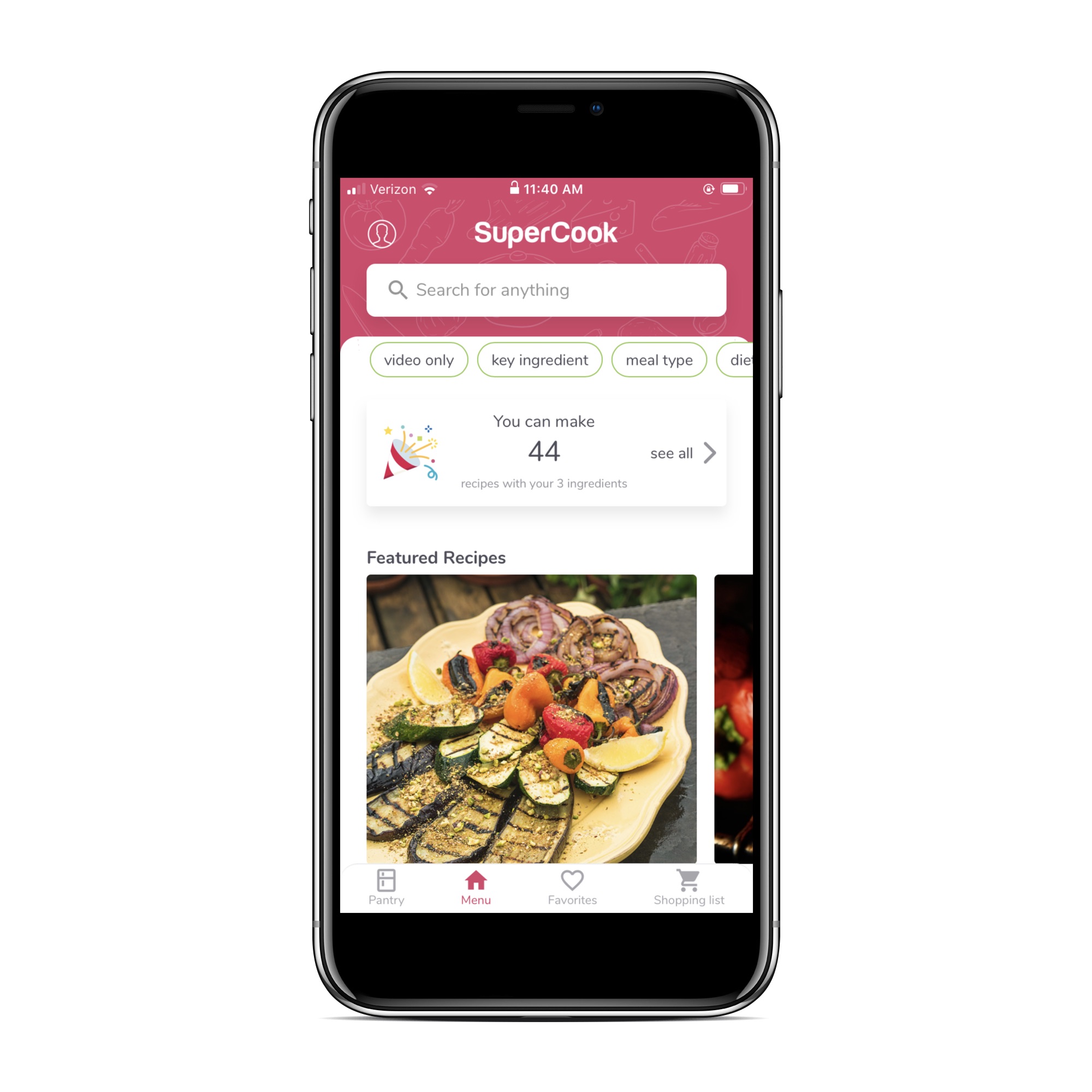
SuperCook app
I love this app because it searches all the popular cooking sites -- Food52, Splendid Table, Martha Stewart -- and aggregates those recipes that match your ingredients on hand. Plus, when I typed in my list of admittedly random ingredients, recipes popped up from a couple of my favorite cooking blogs. Hooray! The SuperCook app also shows you exactly how many recipes you can make with your unique combination of ingredients, and I think you'll be pleasantly surprised by how many options you have.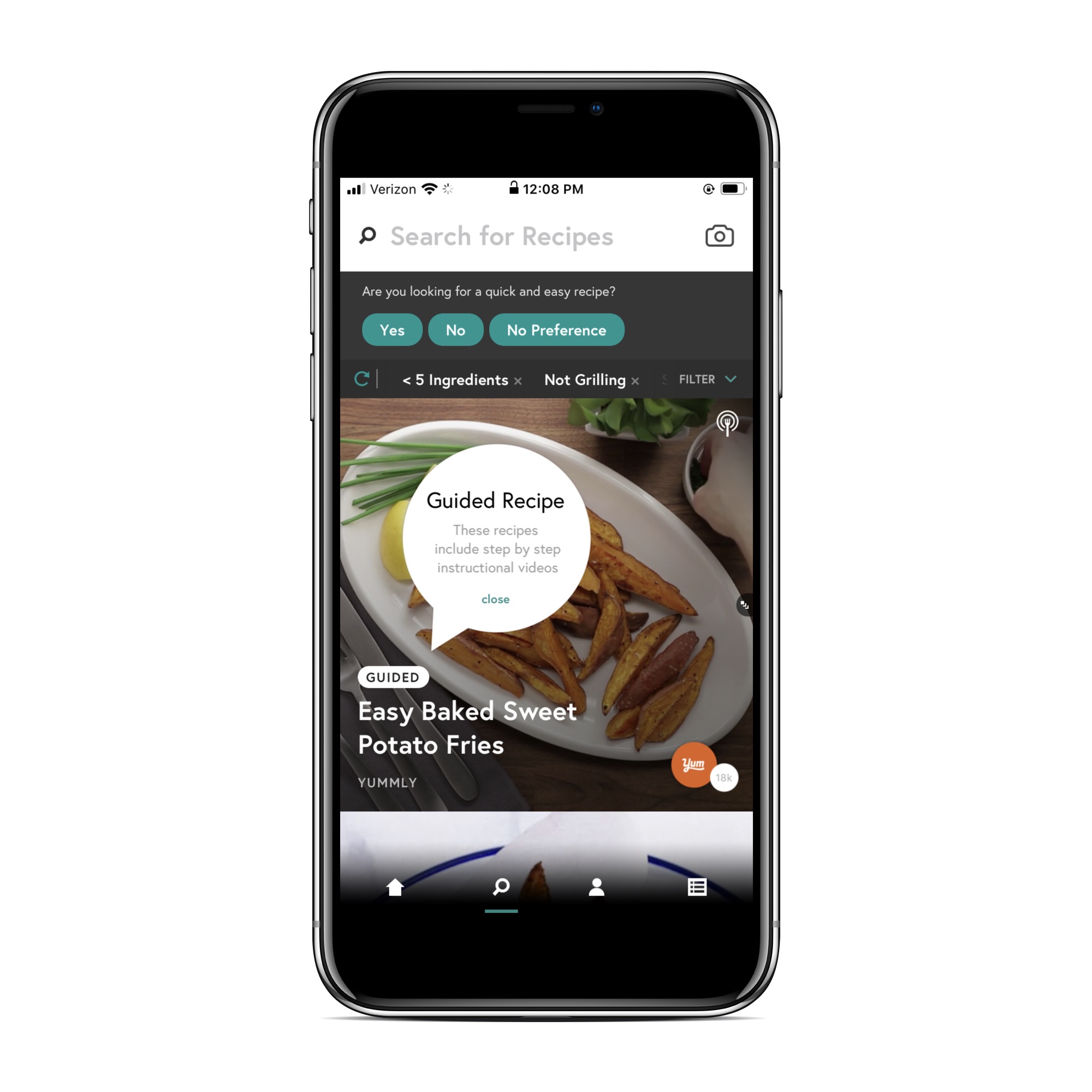
Yummly app
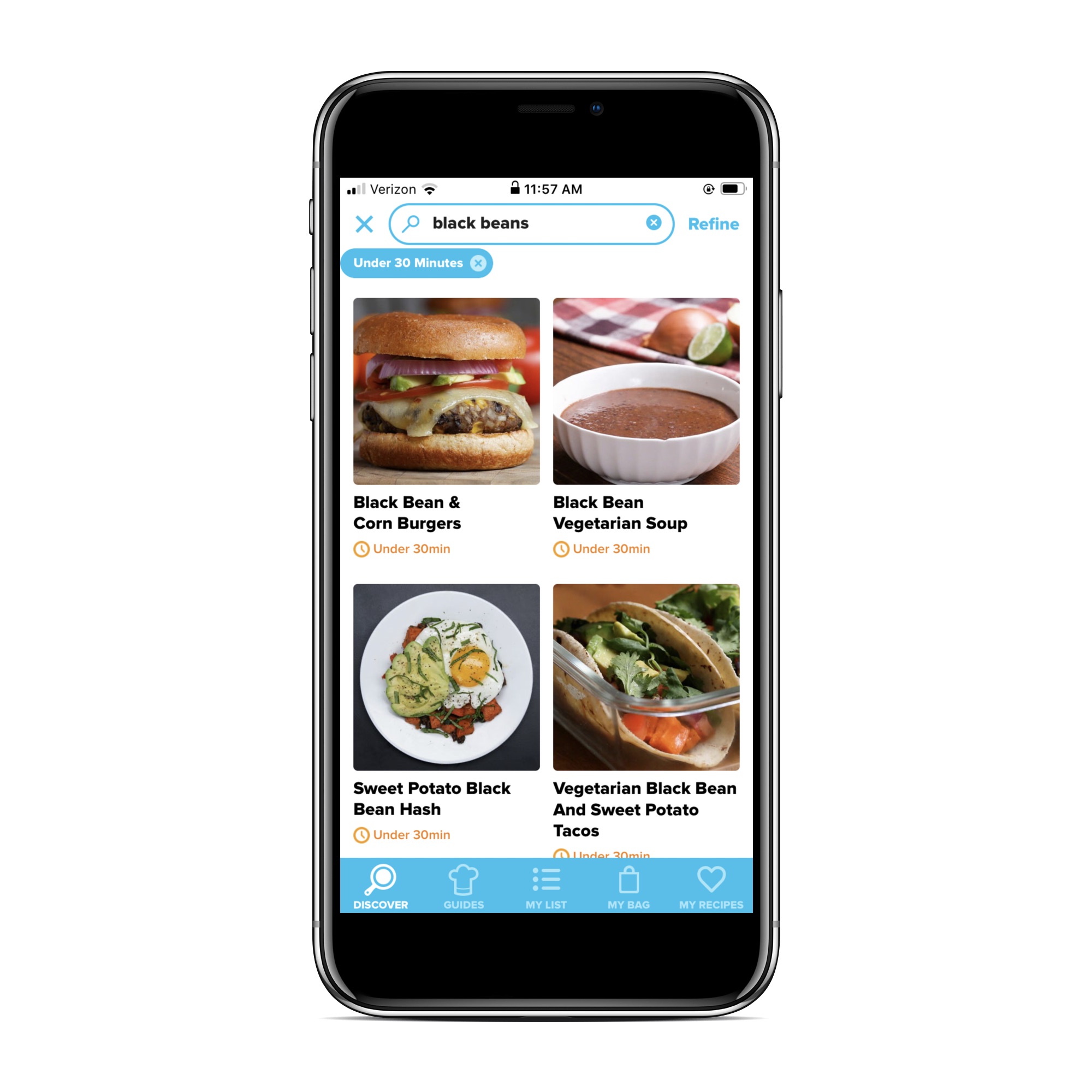
Like SuperCook, Yummly sources recipes from popular blogs and websites, and also offers some helpful filters like "kid-friendly" and "guided," if you cook better when there's a video to refer to. When you get started with this app, you fill out a quick survey that asks your cuisine preferences and food allergies, among other things, then uses those answers to populate a feed of personalized suggestions. Like your Facebook feed, but for food!Related: The genius trick we love for using up leftovers.
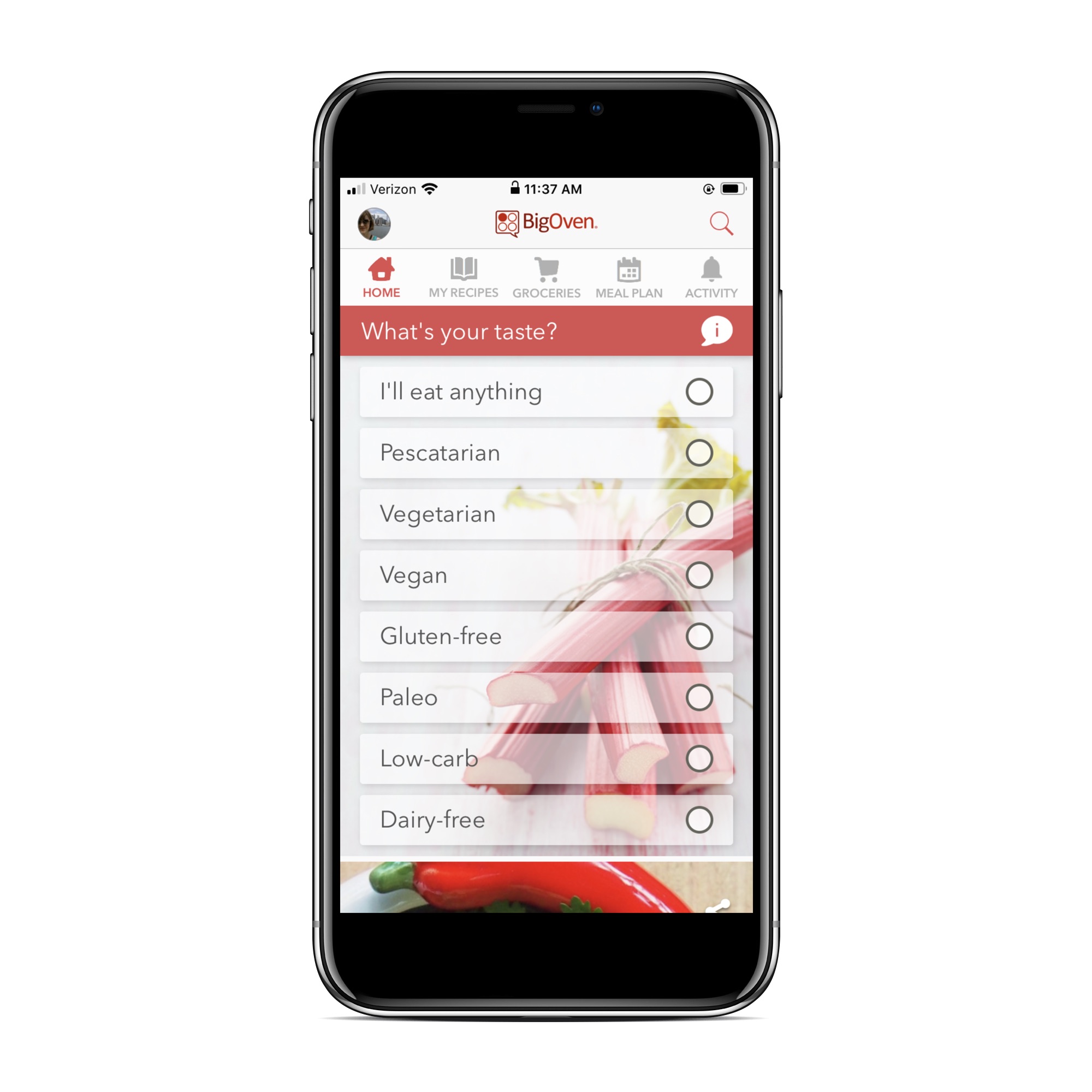
Big Oven app
If you're looking for a comprehensive meal-planning app, definitely check out Big Oven. My favorite feature: the dedicated "use up leftover" section. It also includes a grocery list function, so you're not switching back and forth between apps when you're actually shopping. (Maybe you're like me and you're still mourning the demise of Wunderlist, RIP my grocery-list making.) For me, Big Oven's recipe collection isn't quite as interesting that a on some of the other apps, but it's a reasonably good source for classics and kid faves. And of course, help with those leftovers.